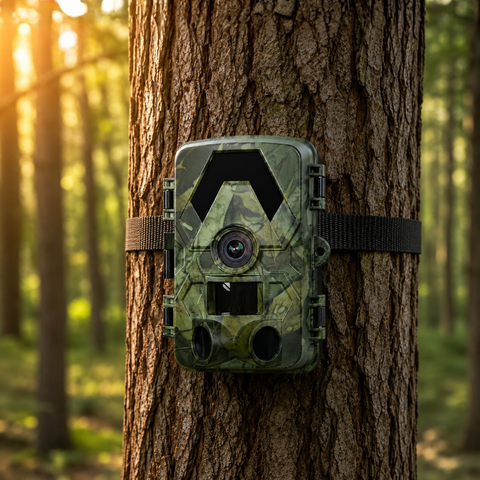
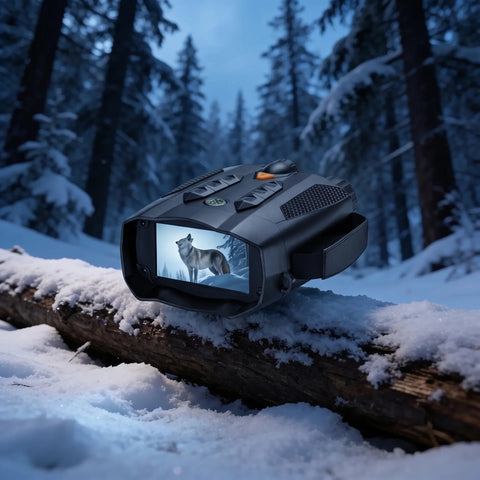

Picking the right memory card for a wildlife camera is one of those small decisions that quietly makes or breaks your results. Too small and you run out of space mid-season; too slow and your 4K clips stutter or fail to save; the wrong format and the camera simply refuses to record. This guide walks you through the three things that actually matter — size, speed and format — so you buy once and get every frame.
Format: microSD, and why it must be the right one
Every SightForest trail camera uses a microSD card, not a full-size SD card. That is the standard across modern compact wildlife cameras, so if you have loose full-size SD cards lying around from an old DSLR, they will not fit. What matters just as much as the physical size is the card standard and the file system behind it.
There are three microSD standards you will see on packaging:
- microSDHC — covers cards from 4GB up to 32GB, formatted as FAT32.
- microSDXC — covers 64GB and above, usually formatted as exFAT.
- microSDUC — very high-capacity cards above 128GB; not needed for trail cameras and often unsupported.
SightForest cameras support microSD cards up to 128GB. Stay within that ceiling and you avoid the single most common cause of a camera that "won't take the card". If you buy a 64GB or 128GB card, it will typically arrive formatted as exFAT, which these cameras read without trouble. Whatever card you use, format it inside the camera before your first deployment rather than on your computer — this writes the exact file structure the camera expects and clears any residual data that could cause write errors in the field.
Speed: the part most buyers get wrong
Capacity is easy to understand, so people focus on it. Speed is where 4K cameras actually get let down. SightForest cameras shoot 4K UHD video and 60MP photos, and 4K writes a lot of data per second. A slow card can drop frames, cut clips short, or fail to save the burst that a passing animal triggered — which defeats the whole point of a fast PIR sensor.
Ignore the big marketing numbers on the front of the card and look for these ratings instead:
- UHS Speed Class U3 — guarantees a minimum sustained write of 30 MB/s, comfortable for 4K.
- Video Speed Class V30 — the video-specific equivalent, also 30 MB/s minimum, and the rating to prioritise for 4K trail cameras.
- Class 10 / UHS-I — the baseline. Acceptable for 1080p, but for reliable 4K you want U3 or V30.
A card can advertise a fast "read" speed while having a mediocre sustained "write" speed, and it is the write speed that counts when your camera is dumping 4K footage to storage. A genuine U3/V30 card from a reputable brand is the safest choice. It is a small extra cost that prevents the frustration of retrieving a card only to find the one clip you wanted never finished writing.
Size: how many days does each capacity buy you?
The right capacity depends on how your camera is set up and how often you can visit it. A camera on a busy game trail firing dozens of 4K clips a day fills storage far faster than one watching a quiet feeder in photo mode. As a practical rule of thumb for planning:
- 32GB — fine for photo-heavy setups or short trips where you check the card every week or two.
- 64GB — a sensible all-round choice for mixed photo and 4K video on a regular route.
- 128GB — the maximum, and the right call for long unattended deployments, solar setups, or high-traffic locations where you can't visit often.
If you run a 4G Solar Trail Camera 4K in a remote spot, a 128GB card matched to the solar power means the camera can run for very long stretches with minimal handling. On a 4G camera you also send previews and alerts over your own standard nano-SIM (not included) — there is no eSIM and, importantly, no monthly subscription of any kind — but the full-resolution footage still lives on the microSD card, so capacity still matters even when the camera is connected. Our 128GB microSD card is sized and rated for exactly this use.
A quick note on SD-only cameras
If your camera has no cellular or WiFi link — like the offline SD Trail Camera 4K — the card is your only way to retrieve footage. In that case, size is even more of a planning decision: choose a capacity that comfortably outlasts the gap between your visits, and consider carrying a spare formatted card so you can swap and go rather than waiting to offload in the field.
Matching the card to your camera
Whichever SightForest model you own, the recipe is the same: a microSD card, U3 or V30 rated, 128GB or smaller, formatted in the camera before use. Get those four things right and the rest of the hardware — the no-glow IR to around 20 m, the PIR trigger, the IP66 weatherproof housing and the 112–130° field of view — can do its job without a storage bottleneck holding it back. You can browse the full range on our trail camera collection if you're still deciding which model fits your site.
Conclusion
You don't need the most expensive card on the shelf — you need the right one. Buy a genuine U3/V30 microSD of 64GB or 128GB from a brand you trust, keep it at or below the 128GB limit, and format it in the camera before your first outing. Do that and every triggered clip lands safely, ready for you the moment you next check the camera.
