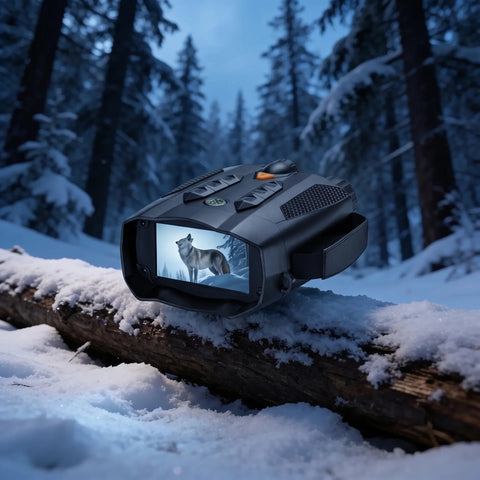
Night Vision Binoculars 4K

In the box
Set up in 6 steps
Charge it up
Charge over USB-C before first use (about 3–4 hours).
Insert the memory card
Add a microSD card for photos and video.
Power on & focus
Hold the power button, then turn the focus / dioptre wheel until the image is sharp.
Set day or night + IR
Switch to night mode and dial the infrared level to match the distance you're watching.
Zoom & capture
Use the zoom buttons; tap the shutter for a photo or the record button for video.
Review on the screen
Play back on the built-in screen, or pop the card into a computer.
Troubleshooting
Image too dark?
Raise the infrared level and brightness. In daylight, turn night mode off.
Grainy at night?
Increase the infrared and reduce zoom — very long distances will always look grainier.
Won't power on?
Charge for 20 minutes, then hold the power button for 3 seconds.
Card not recognised?
Use a microSD up to 128GB and format it in the device.
Specifications
Need a hand?
Our EU support team replies in your language within one working day.
