Wifi Trail Camera 4K

In the box
Set up in 6 steps
Charge it up
Top it up over USB-C before first use (about 4–6 hours). Once mounted, the solar panel keeps it charged.
Insert SIM & memory card
Add an activated nano-SIM with a data plan, plus a microSD card up to 128GB.
Get the app
Download the companion app and create a free account.
Pair the camera
Power on, scan the QR code on the camera in the app, and follow the prompts.
Mount & aim
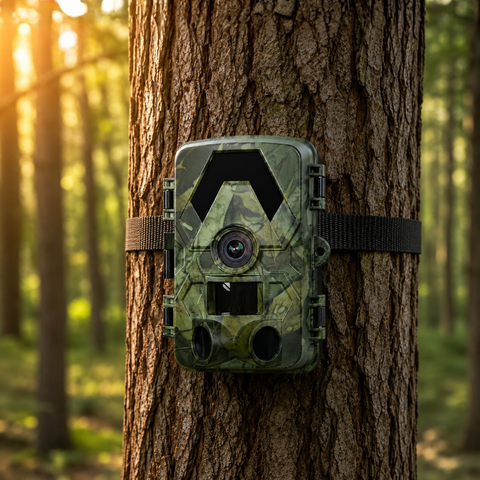
Strap it to a tree about 1 m high, angled slightly down and clear of branches.
Test a shot
Walk past to trigger it and check the photo lands in the app.
Troubleshooting
No photos arriving?
Make sure the SIM has data and the in-app signal shows 2+ bars. Move the camera higher or toward open sky.
Won't turn on?
Charge for 30 minutes, check the battery is seated and the switch is set to ON (not SETUP).
Blurry night shots?
Keep the lens clean and clear of nearby branches that reflect the infrared. Lower the night sensitivity if needed.
Battery draining fast?
Shorten video length and trigger frequency, or add the solar panel / a higher-capacity battery.
Specifications
Need a hand?
Our EU support team replies in your language within one working day.
